
The data exists. The answer is in there somewhere. But between you and the insight is a wall of SQL, Python, and context-switching.
Chat Studio removes the wall. Ask questions in plain English. Get answers from your actual data. The AI handles the translation — you stay focused on the thinking.
Use Cases
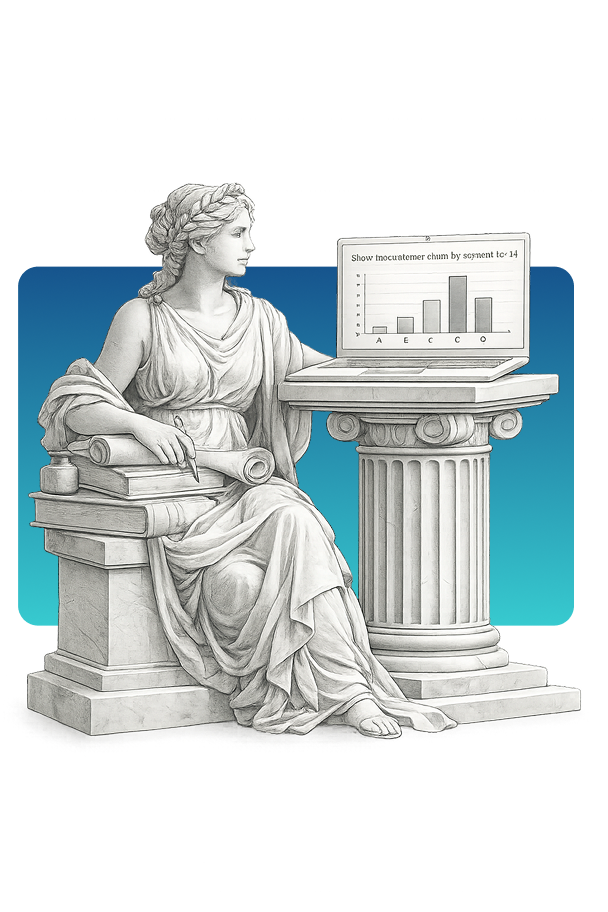
- Context-Aware Conversations — Chat Studio remembers context. Multi-turn conversations that build on previous questions. No repeating yourself.
- Data Visualization — Ask for charts and get them. “Show me a bar chart of sales by region” — rendered inline, exportable, shareable.
- Shared Datasets — Data scientists register datasets once in AI Lab. Business users across the organization can then chat with that data — no duplicating connections.
What is Chat Studio?
The Problem with Traditional Data Access
Most organizations have more data than they can use. The bottleneck isn’t storage or compute — it’s access. Between the question in your head and the answer in your database sits a wall of technical complexity:
- SQL expertise required — Even simple questions require knowing the schema, joins, and syntax
- Tool fragmentation — Different data lives in different tools with different interfaces
- Context switching — Moving between chat, notebooks, dashboards, and documentation
- Tribal knowledge — Only certain people know where data lives and how to query it
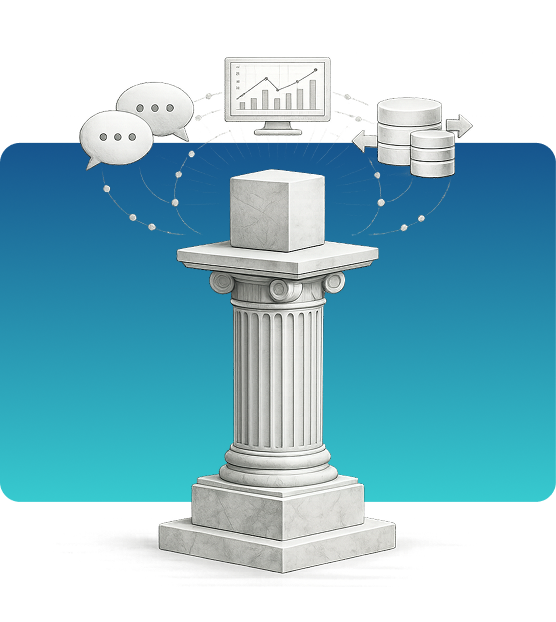
Chat Studio removes these barriers by providing a single conversational interface that connects to all your data sources.
How Chat Studio Works
When you ask a question, Chat Studio:
- Understands intent — Natural language processing determines what you’re actually asking
- Identifies data sources — Knows which databases, documents, or APIs contain the relevant information
- Generates queries — Writes the SQL, API calls, or search queries needed
- Executes safely — Runs queries with appropriate permissions and rate limits
- Presents results — Returns answers as text, tables, or visualizations
The key difference from generic AI chatbots: Chat Studio connects to YOUR data, with YOUR permissions, inside YOUR security perimeter.
SQL Transparency
Chat Studio doesn’t hide what it’s doing. When you ask a question, you can see the SQL it generates. This matters for several reasons:
- Trust but verify — Review the query before trusting the results
- Learning — Business users start understanding their data model
- Debugging — When results look wrong, you can see exactly what was asked
- Handoff — Take the generated SQL and use it elsewhere if needed
The AI writes SQL so you don’t have to — but you can always see what it wrote.
Shared Dataset Model
Chat Studio works hand-in-hand with AI Lab. Here’s the workflow:
- Data scientists curate in Lab — Connect data sources, define schemas, set up permissions
- Register for Chat — Expose curated datasets to Chat Studio with one click
- Business users chat — Non-technical users ask questions in plain English
- Governance applies — Same permissions, same audit trails, same policies
This separation means data scientists set up the plumbing once. Business users across the organization get self-service access without each needing database credentials or SQL knowledge.
Enterprise-Grade Security
Chat Studio is built for enterprise environments where data security is non-negotiable:
- Role-based access control — Users only see data they’re authorized to access
- Query auditing — Every question and answer is logged for compliance
- Data residency — Deploy on-premise or in your cloud; choose local models for complete isolation
- PII detection — Content scanning catches sensitive data before it’s exposed
- Policy enforcement — Zentinelle policies control what can be asked and answered
Chat Studio lets you work at the speed of thought — asking questions and getting answers without the translation layer.